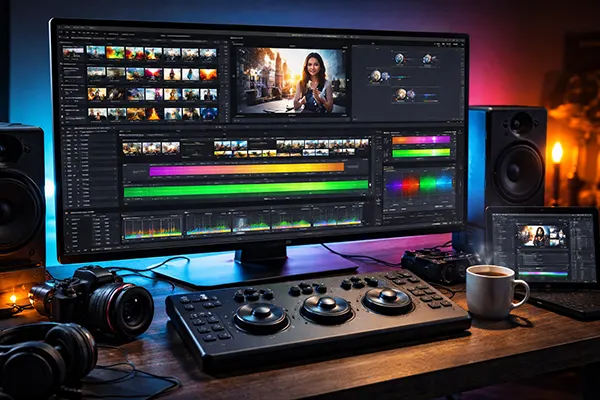
DaVinci Resolve 19 as an all-in-one tool for editing, colour and sound in 2026
DaVinci Resolve 19 has firmly established itself as a single-environment solution for creators who need editing, colour correction, visual effects and sound work in one place. By 2026, its role has shifted from being “a strong alternative” to becoming a primary working tool for designers, video editors and small production teams. The key advantage lies not in flashy features, but in a predictable, technically consistent workflow that reduces time lost on file transfers and format mismatches.
Choosing DaVinci Resolve 19 over other video editors
Resolve 19 is particularly effective for projects where colour accuracy and finishing quality matter from the start. Unlike lighter editors, it allows creators to manage colour space, contrast and exposure in a controlled way, even when working with mixed footage from smartphones, mirrorless cameras and screen recordings. This consistency is valuable for social campaigns and branded content that must look the same across multiple releases.
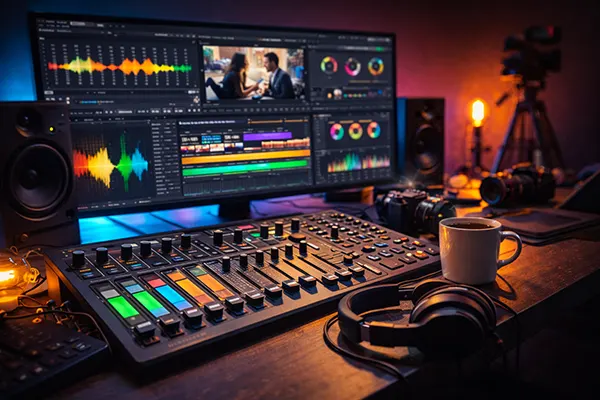
Another advantage is audio handling. Built-in Fairlight tools make it possible to clean dialogue, balance levels and prepare mixes without exporting files to third-party software. For creators working alone or in small teams, this removes an entire production step and lowers the risk of technical errors late in the process.
Other editors may still be preferable in specific cases. Premiere Pro remains common in agencies deeply tied to Adobe workflows, while simpler tools are often faster for very basic edits. However, for projects that combine editing, colour work and sound polishing, Resolve 19 offers a more integrated and predictable environment.
How to decide before starting a project
The simplest test is to look at the full lifecycle of the video. If the project includes colour matching, dialogue clean-up and multiple exports for different formats, Resolve is usually the more efficient option. Everything happens inside one project, reducing version confusion and duplicated files.
If motion graphics are the main focus and most work happens in dedicated animation software, Resolve can still be used, but it may not bring the same efficiency gains. In those cases, choosing the editor that best matches the team’s existing habits may be more practical.
Hardware should also be considered. Resolve benefits greatly from a capable GPU, especially when using noise reduction or advanced colour tools. Planning proxies early helps maintain smooth performance, even on mid-range systems.
Base workflow setup for stable editing performance
A reliable Resolve workflow begins with structured media management. Separating footage into clearly named bins by type or shooting day reduces confusion once timelines become more complex. This is especially important for social content, where multiple versions and revisions are common.
Proxy generation should be treated as a standard step, not a last resort. Modern cameras and phones often record highly compressed formats that are difficult to decode in real time. Proxies allow editors to work smoothly while preserving full-quality files for final export.
Cache behaviour should be controlled deliberately. Assigning cache files to a fast internal drive and limiting cache generation to demanding effects helps prevent random slowdowns and keeps projects stable throughout long editing sessions.
Editing efficiently for social-first video
For short-form content, speed and clarity matter more than micro-level precision. Resolve’s editing tools allow creators to focus first on structure and pacing, then refine timing and transitions once the message is clear.
Creating multiple aspect ratios should be planned from the start. Maintaining a single master timeline and adapting framing through adjustment layers or separate timelines reduces duplication and simplifies late-stage changes.
Automation tools such as object tracking and smart masking reduce manual work on repetitive tasks. Used carefully, they speed up production without replacing editorial judgement or creative control.
Colour workflow focused on consistency, not excess
Effective colour work in Resolve 19 begins with correct colour management. Defining colour space and gamma at the project level ensures predictable results across different devices and platforms. This is particularly important when mixing footage from various sources.
For social distribution, the goal is not extreme stylisation but reliable readability. Balanced contrast, natural skin tones and controlled highlights translate better to mobile screens than aggressive cinematic looks.
HDR tools should be used intentionally. While Resolve supports advanced grading workflows, creators must decide what information should remain visible on standard displays. Overusing HDR effects can reduce clarity for the majority of viewers.
A practical grading routine for designers
A simple node structure improves both speed and clarity. Separating technical corrections from creative adjustments allows changes to be made without breaking the overall grade.
Skin tone consistency should be checked systematically using scopes rather than subjective judgement alone. This prevents common issues such as excessive warmth or inconsistent exposure between shots.
Creative tools designed to emulate film response can be useful as a starting point, but they should be adjusted carefully. Subtlety and consistency usually outperform dramatic effects in commercial and social content.
Sound preparation and export for real-world delivery
Audio quality remains one of the most important factors in viewer retention. Clear dialogue and controlled background noise are essential, particularly for content consumed on mobile devices in noisy environments.
A structured audio workflow improves results. Cleaning dialogue, balancing levels and adding music should happen in separate stages rather than simultaneously. This avoids masking problems instead of fixing them.
Export settings should match the final destination. Loudness, codec choice and colour tagging should be tested on real devices before final delivery to ensure consistent playback across platforms.
Common mistakes and how to avoid them
One frequent error is mismanaging cache and proxy files. Randomly clearing cache or switching proxy settings mid-project can introduce instability. Consistency from the start prevents this.
Another mistake is delaying optimisation. Editing heavy files without proxies often leads to performance issues later, when timelines become more complex and effects are added.
Finally, ignoring colour profiles during export can result in videos that look different on phones, tablets and desktops. Testing a short export early helps confirm that settings are correct before final rendering.